

 Call Center 1500711

QRIS Bank Sumsel Babel
Enjoy modern transaction convenience with Bank Sumsel Babel. Trusted banking solutions for your future and family.
Attractive Interest
Competitive and rewarding interest rates
Fee Free
Free admin fees for certain balances
Safe & Guaranteed
Insured by LPS and supervised by OJK
About QRIS Bank Sumsel Babel
Get to know the product
- A payment network that uses QR codes to help merchants accept payments from all QR-based applications in Indonesia such as BSB Mobile.
Issuer Name
- PT Bank Pembangunan Daerah Sumatera Selatan dan Bangka Belitung
Facilities
- National Interoperability - Can accept payments from various digital wallet and mobile banking applications.
- Fast & Easy Payment Process - Just a QR scan, no cash or card required.
- Guaranteed Security - Transactions are encrypted with QRIS security standards from Bank Indonesia.
- Support for Various Businesses - Can be used by MSMEs, retail, restaurants, transportation, and services.
- No EDC Machine - Simply use Static QR (printed) or Dynamic QR (from merchant app).
- Automatic Transaction Reports - Can be accessed through the dashboard or merchant application for financial records.
Benefits
- for Merchants
- Reach More Customers - Accept payments from all digital wallets and mobile banking without operator restrictions.
- Reduce Risk of Counterfeit Money & Robbery - No need to keep a lot of cash at the cashier.
- Automated Financial Records - All transactions are well-documented in the system.
- Fast & Efficient Processing - No need for cash change, speeding up transactions.
- No Additional Device Costs - No EDC machine needed, just a cell phone or static QR printout.
- For Customers (Buyers/Customers)
- Easy & Practical - No need to carry cash or cards, just scan QR and pay.
- Safe & Reliable - Transactions are directly processed through authorized bank and e-wallet systems.
- Fast & Efficient - No need to stand in long lines or wait for change.
Risks
- Internet Dependency - Requires a stable internet connection for transactions to run smoothly.
- QR Scan Error - If you are not careful, you can send the wrong money to another merchant.
- Fake QR Code Fraud - Merchants and customers must be careful of fake QRIS affixed to business premises.
- MDR (Merchant Discount Rate) Fee - There are discounted transaction fees according to QRIS regulations
Requirements
- Merchant Requirements
- Have a Clear Business (MSMEs, retail stores, restaurants, stalls, services, etc.).
- Have a Bank Sumsel Babel Account.
- Have an active cellphone number & email for registration and verification.
- BSB QRIS Registration Procedure
- Visit the nearest BSB Branch Office or register through the official application/website.
- Fill in the QRIS Registration Form with business & account data.
- Data Verification by the Bank (Validation process can take 1-3 working days).
- Merchants Get QRIS (In printed or digital form for use at the cashier).
- Merchants can start accepting QR payments from all digital wallet & mobile banking applications.
Fees
- MDR fee (maximum 0.7% for regular merchants).
Additional Information
- Install / Update BSB Mobile app-->Transaction-->Payment-->QR Code (QRIS)-->Scan QRIS-->Input Nominal-->Enter nominal confirmation page-->Enter MPIN-->Transaction successful
- Limit per transaction is limited to Rp 5,000,000,-
- Limit per day is limited to Rp 10. 000,000,-
- QRIS payments can be made at all merchants who can display QRIS according to templates that have been carried out by BI
Benefits
- For Merchants / Business Actors
- Increase Sales - Can receive payments from more customers without application restrictions.
- Recorded & Transparent Transactions - Facilitate financial & tax reports.
- Fast & Practical - No need to bother with cash or EDC machines.
Simulation
- Customer Payment Simulation
- Customer Opens Mobile Banking / E-Wallet Application (BSB Mobile, GoPay, OVO, etc.).
- Customer Scan QRIS Merchant available at the cashier.
- Customer Enters Payment Amount and Confirms with PIN/OTP.
- Merchant Receives Notification of Successful Payment within seconds.
Simulation Example:
a. Customers buy food at Warung Sederhana for Rp 50,000.
b. Customers open BSB Mobile, select the Pay with QR menu, then Scan QRIS at the cashier.
c. Customers enter the payment amount of Rp 50,000, then confirm with a PIN.
d. The merchant receives a successful payment notification. The merchant receives a successful payment notification, and the transaction is complete.
- Simulation of Payment Acceptance by Merchant
- Merchant Displays Static QR at the cashier's desk or uses Dynamic QR from the merchant application.
- Customers Make Payments with e-wallet or mobile banking applications.
- Merchant Gets Successful Transaction Notification on mobile phone or merchant dashboard.
Simulation Example:
a. Warung Kopi Makmur registers for BSB QRIS, then receives a printed Static QR.
b. Customers who want to pay simply scan QRIS with their payment application.
c. After a successful transaction, the Merchant gets a notification on their mobile phone or digital receipt.
FAQ
- Customer Complaint ProcedureCustomers can submit complaints to Bank Sumsel Babel through:
Call Centre: 1500711
WhatsApp: +62 811 1500 711
Email: contactcenter@banksumselbabel.com - Disclaimer
The customer has read and understood this product information before registering. Bank Sumsel Babel has the right to make changes to service features and policies in accordance with applicable regulations.
Issuer Name
PT Bank Pembangunan Daerah Sumatera Selatan dan Bangka Belitung
Exclusive Benefits
More than just savings, our product offers added value for its loyal customers.
Annual Prize Draw
A chance to win a Luxury Car Grand Prize, Cash, and hundreds of other electronic prizes drawn every year.
Insurance Protection
Free life insurance protection for customers with a certain average balance, giving peace of mind for your family.
Competitive Interest Rate
Attractive and competitive savings interest rates calculated on daily balances, making your savings keep growing.
Fast & Digital Services
Access our banking services more practically and efficiently online.

E-form Page
Register account opening or loan application online without queuing at the branch office.
Open E-form
COB Service
Optimize business cooperation through Cash Office Banking for integrated financial management.
Check COB detailsBank in Your Hand
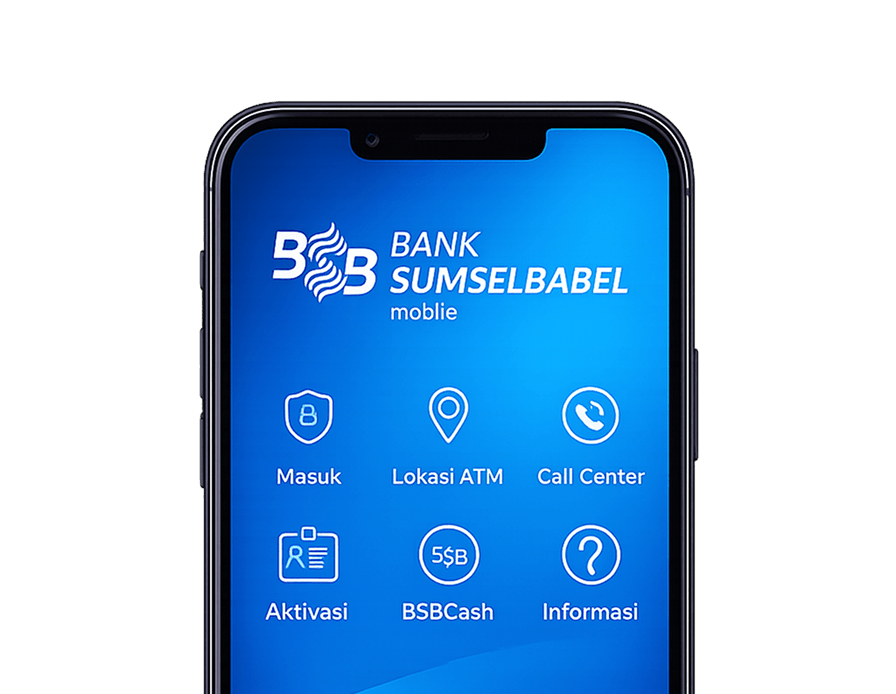
Enjoy the convenience of banking transactions anytime and anywhere with the Bank Sumsel Babel Mobile application.